


How Can You Transfer OPC Data Seamlessly Between Multiple Servers?
- Plug-and-play software for bridging data between heterogeneous control systems
- Real-time bidirectional data exchange between local and remote OPC servers
- Built-in redundancy management for continuous, fail-safe operations
- Eliminates data silos across plants and distributed systems
- Enables automatic failover and seamless system recovery
- Scales easily for large multi-server and multi-vendor environments
- Connects different automation systems without custom development
- Ensures reliable, high-availability OPC data transfer across the enterprise
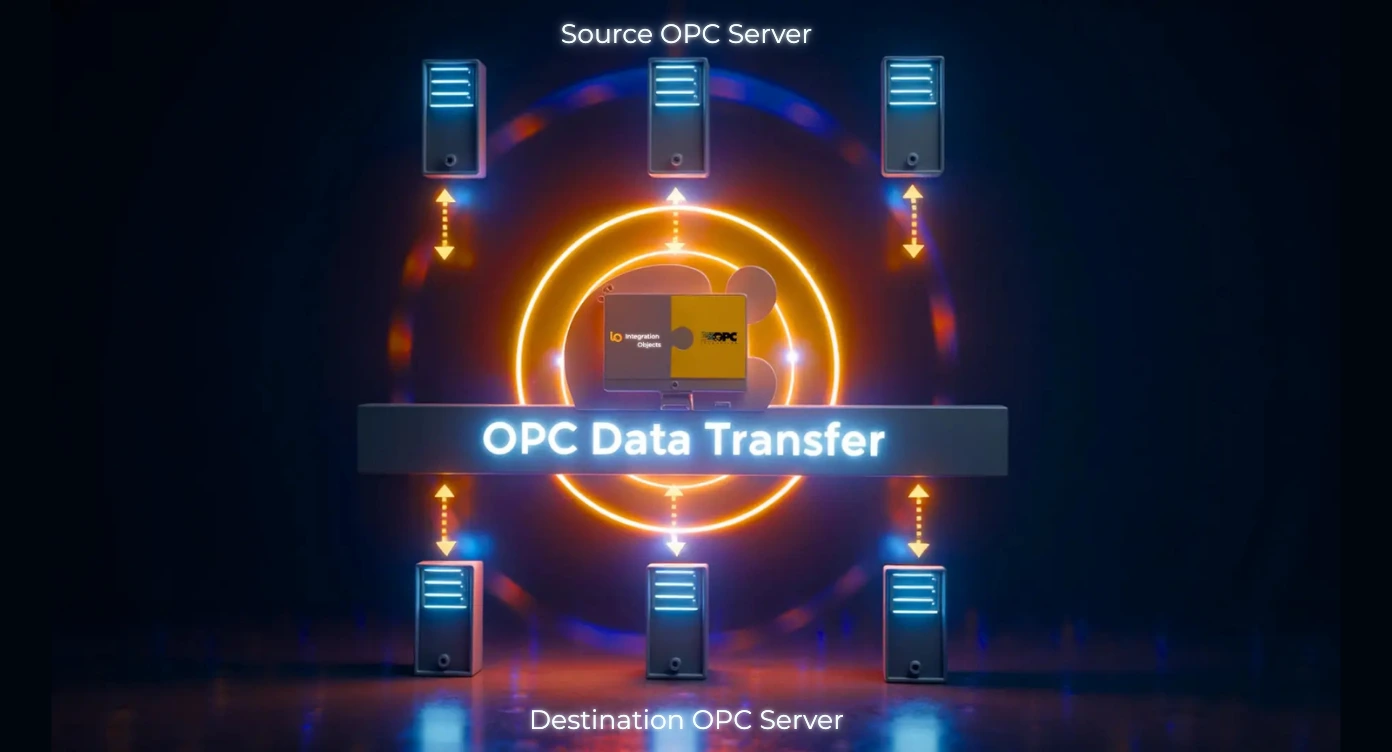
There is no hard limit on the number of OPC server connections. The practical limit depends on your hardware resources and network bandwidth. Most deployments successfully manage 10-50 simultaneous server connections, with some enterprise implementations handling 100+ servers for large distributed systems.
OPC Data Transfer leverages standard OPC DCOM security mechanisms. To secure your data in-transit and communications we recommend you to combine the OPC Data Transfer product with OPCNet Broker. This way, you can avoid DCOM configuration issues and vulnerabilities and estbalish your data transfer using a single TCP port.
Data transfers can be configured for continuous real-time synchronization, scheduled at specific intervals, or triggered by tag value changes.
OPC Data Transfer is licensed per installation machine. The license is perpetual.
OPC Data Transfer Resources
Product Datasheet
Comprehensive technical specifications and features overview
User Guide
Step-by-step installation and configuration guide