


Why use OPC UA Server Simulator?
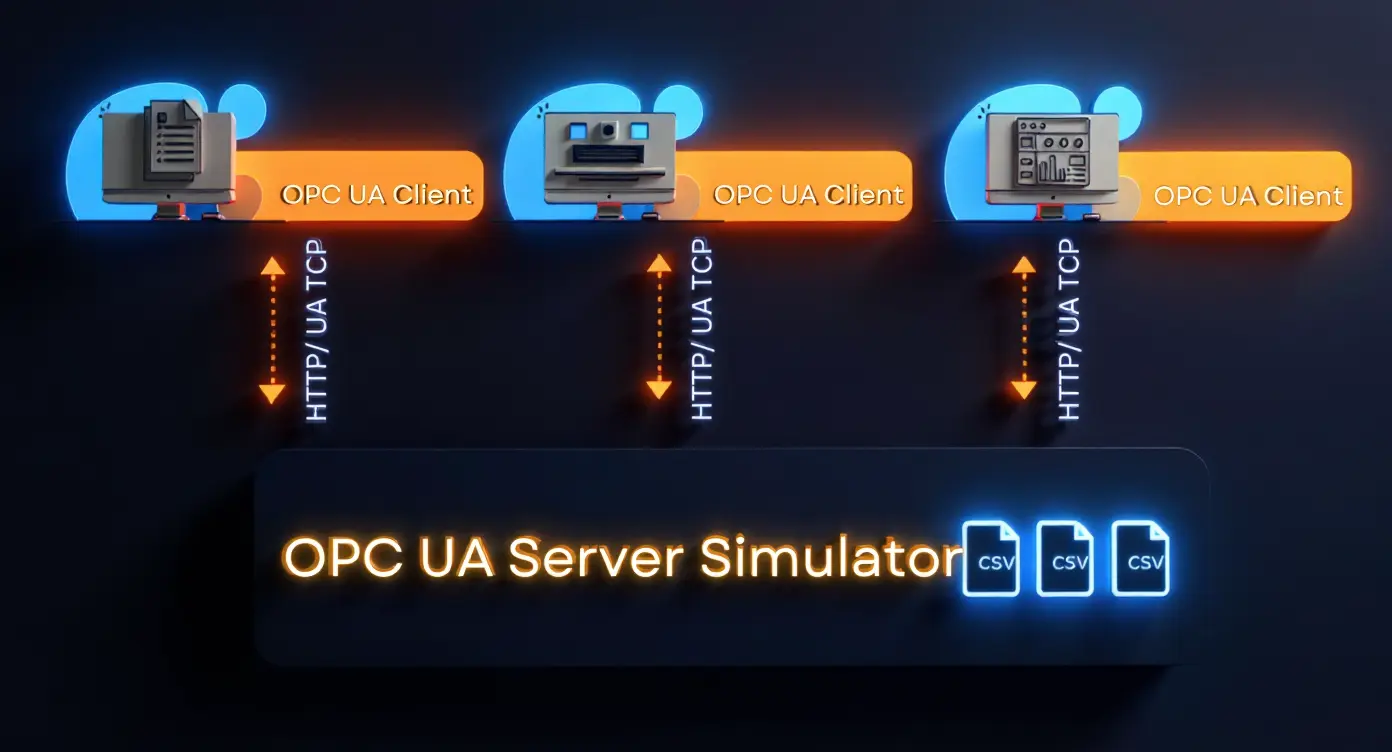
- Free utility that emulates an OPC UA server
- Simulates both real-time and historical data
- Supports OPC UA Data Access (DA) and Historical Access (HA) models
- Allows OPC UA clients to connect, browse, and monitor simulated data
- Easy CSV-based tag configuration
- Ideal for testing, development, and training environments
Free vs. Full Edition – Which one Fits Your needs?
The OPC UA Server Simulator is available in two editions to match different testing and development requirements.
While the OPC UA Server - Free Edition is perfect for basic simulations and quick tests, the OPC UA Server Simulator – Full Edition is designed for uninterrupted, professional use in more demanding environments.
See the comparison below to help you choose the version that is right for you:
| Feature | OPC UA Server Simulator – Free Edition | OPC UA Server Simulator – Full Edition |
|---|---|---|
| Simulate Real-Time Data | ✓ | ✓ |
| OPC UA Data Access Model Support | ✓ | ✓ |
| OPC UA Historical Access Support | ✓ | ✓ |
| CSV-Based Tag and Simulation Configuration | ✓ | ✓ |
| Use in Testing and Development | ✓ | ✓ |
| No Usage Interruption | ❌ 48 hours runtime | ✓ Full, uninterrupted usage |
| Support and Maintenance | ❌ Level 1 support | ✓ Suitable for professional and industrial environments |
OPC UA Server Simulator Resources
User Guide
Step-by-step installation and configuration guide
Related Blogs
See the OPC product in action with real-world examples
Yes. The Free edition is completely free to use and distribute. It is ideal for testing, development, or learning purposes, but it comes with a 48-hour runtime limit and may include usage interruptions.
The full edition offers uninterrupted use, making it suitable for more advanced testing and integration scenarios. Both editions support real-time and historical data simulation, OPC UA DA and HDA models, and CSV-based configuration.
Tag configuration is done using simple CSV files for the server address space and data simulation. This allows for quick setup and easy updates without complex scripting or coding.
The simulator supports multiple concurrent connections with OPC UA clients, allowing for comprehensive testing in multi-client environments.
Edit the CSV tag configuration file, then restart the simulator to load the new configuration. Refer to the user guide for the detailed instructions.