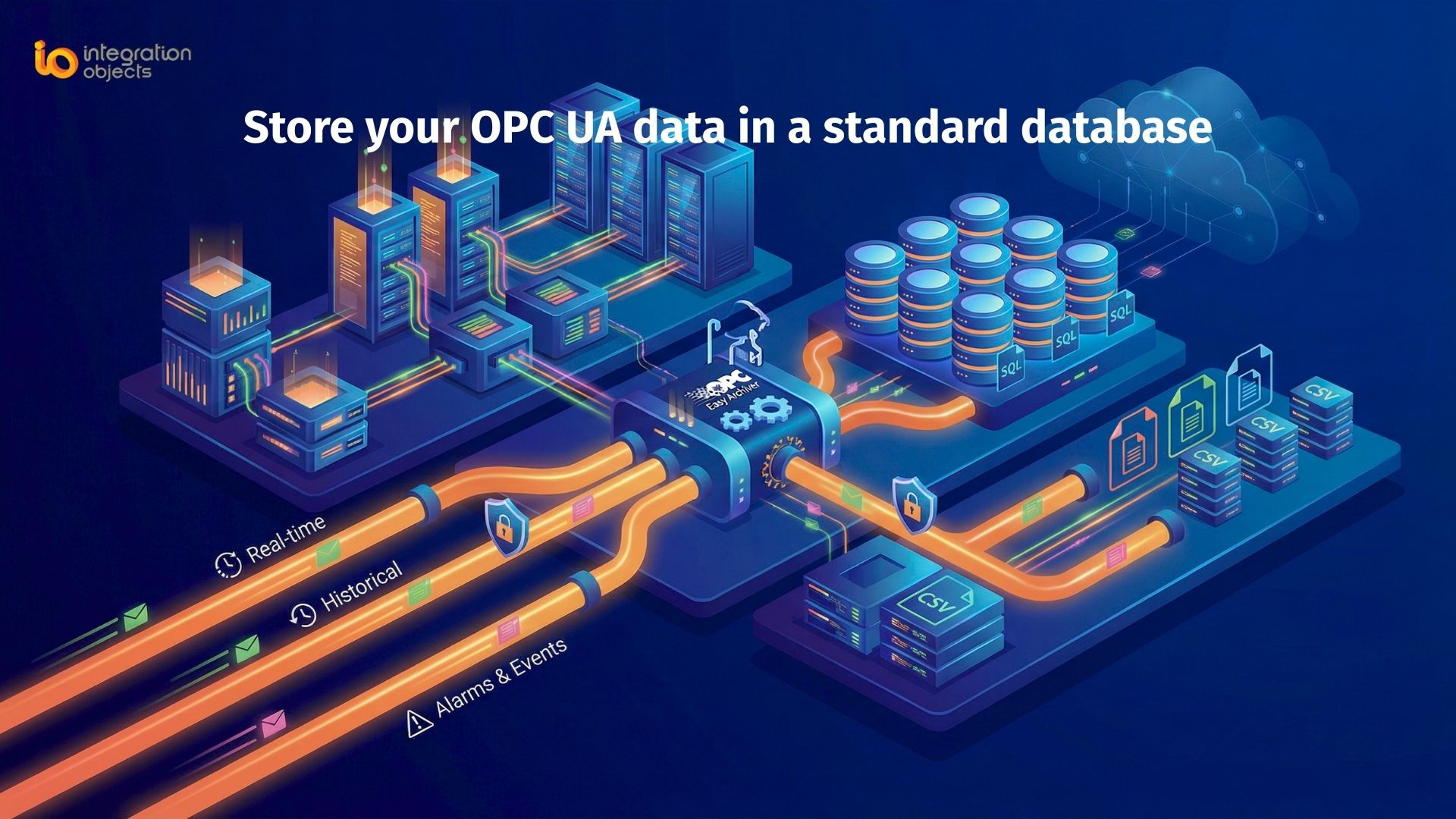
Need a reliable way to store OPC UA data in MS SQL or CSV databases for historical analysis, reporting, or analytics? In industrial environments, archiving OPC UA to MS SQL ensures your real-time data is captured, structured, and ready for dashboards, BI tools, or compliance reporting.
In this guide, we explain how to log OPC UA data into SQL or CSV formats using OPC Easy Archiver and OPC UA Proxy, providing a flexible, scalable, and secure data archiving solution.
Why Store OPC UA Data in a Database?
OPC UA (Unified Architecture) is widely used in industrial automation for real-time data access, alarms/events, and historical data. However, real-time values are transient, making long-term insights impossible without persistent storage.
Storing OPC UA data in a database allows you to:
-
Perform historical trend analysis over time
-
Generate automated reports for compliance or operations
-
Integrate with enterprise analytics and BI tools
-
Maintain traceability and cross-system interoperability
-
Turn industrial signals into actionable business intelligence
Solution: OPC Easy Archiver + OPC UA Proxy
To reliably store OPC UA data, you can combine:
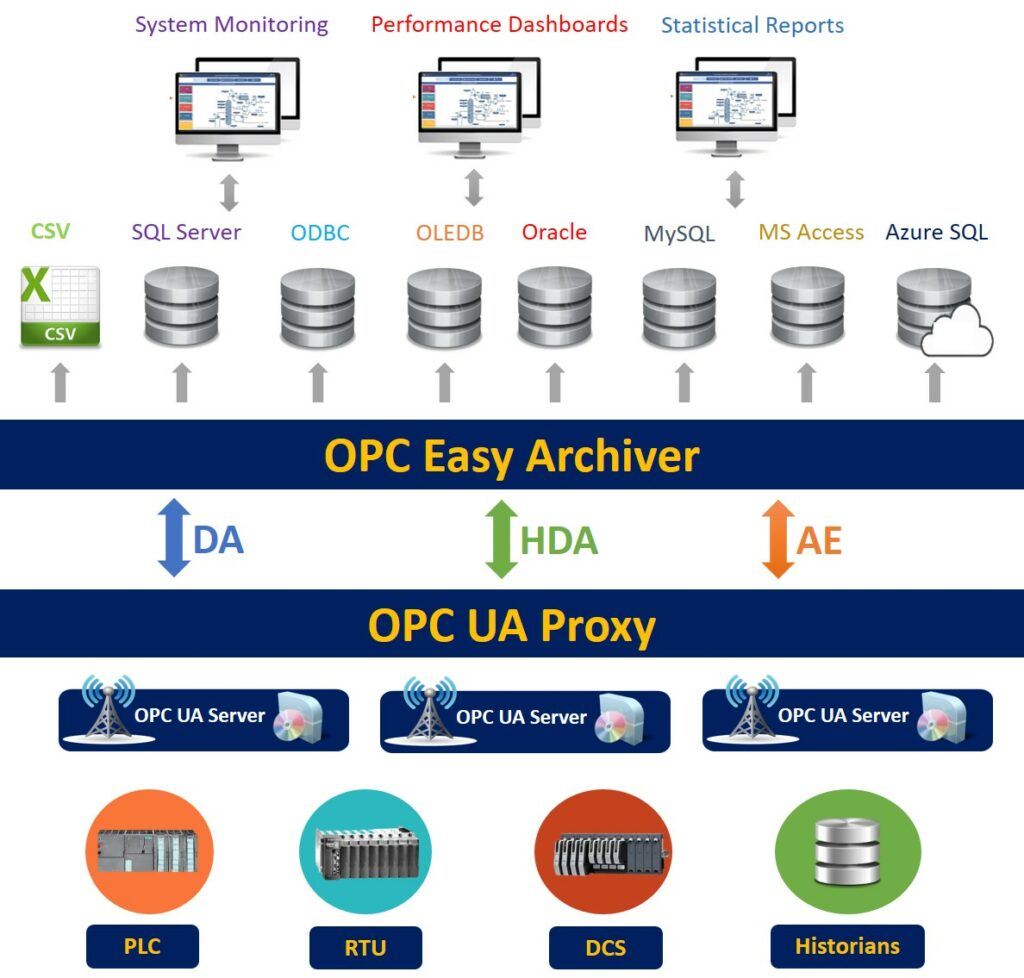
OPC Easy Archiver: Logs real-time OPC data into databases or CSV files, with store-and-forward and automatic reconnection support
OPC UA Proxy: Aggregates data from multiple OPC UA servers and exposes it to the archiver consistently and securely
Together, they provide a complete OPC UA data storage pipeline from the source servers into structured databases for analytics and reporting.
Key Benefits of this Approach
-
Reliable Data Delivery: Handles network interruptions with store-and-forward and auto-reconnection.
-
Flexible Storage Options: Supports SQL databases and CSV files, ideal for industrial IT setups.
-
Scalability: Logs data from multiple servers and dozens of tags without performance loss.
-
Cloud-Ready Integration: Compatible with cloud databases like Azure SQL for enterprise analytics.
-
Simplified Architecture: No custom scripting required; everything is automated.
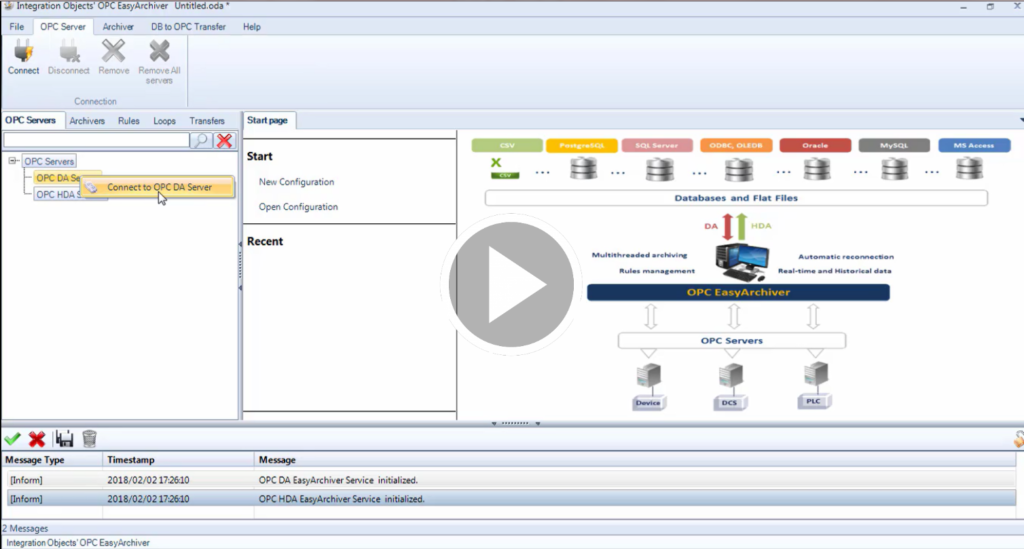
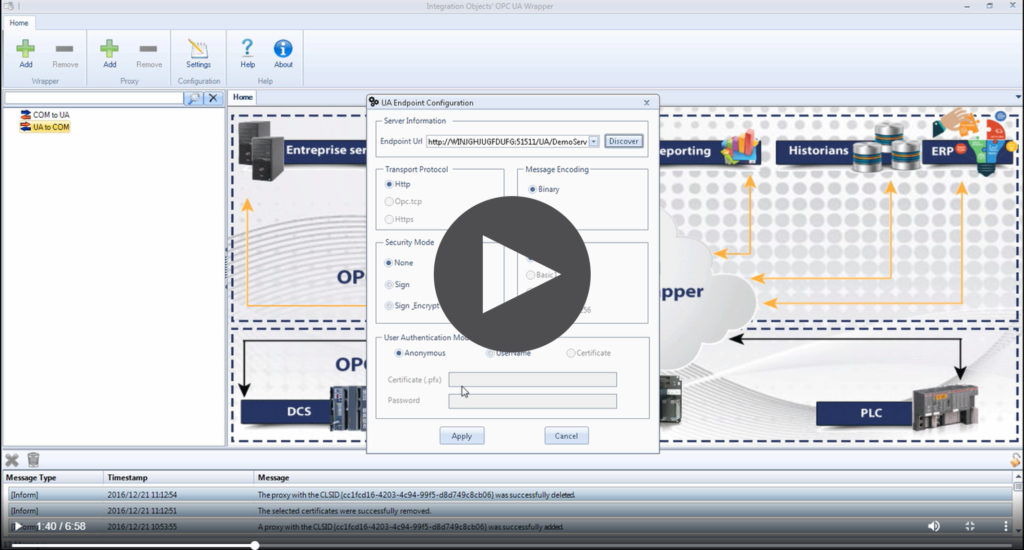
Watch our demo videos to learn how you can easily configure OPC Easy Archiver and OPC UA Proxy:
 |
 |
OPC Easy Archiver demo videos |
OPC UA Proxy demo video |
FAQs for OPC UA to SQL
Can OPC UA data be stored in a cloud database?
Yes, OPC Easy Archiver supports cloud databases such as Azure SQL, enabling centralized storage, remote access, and integration with enterprise analytics tools.
How to log OPC UA data without coding?
You can log OPC UA data without coding by using OPC Easy Archiver, which provides a fully automated data logging solution without the need for custom scripts or development.
How to log OPC UA data to a CSV file?
You can log OPC UA data to a CSV file using OPC Easy Archiver, which automatically exports data into CSV format for easy access, sharing, and lightweight storage.
How to store OPC UA historical data for analysis?
To store OPC UA historical data for analysis, OPC Easy Archiver continuously captures and archives real-time data, making it available for trend analysis, reporting, and operational insights.