
Exporting Windows Event Logs
For troubleshooting purposes, it may be necessary to export Windows Event Logs. To do so, follow the instructions below:
1. Invoke Windows Event Viewer:
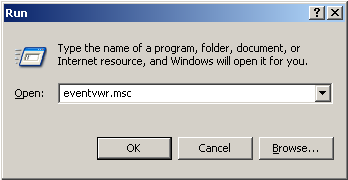
- Windows XP/ Windows Server 2003: Hit Start-Run and type in eventvwr.msc:
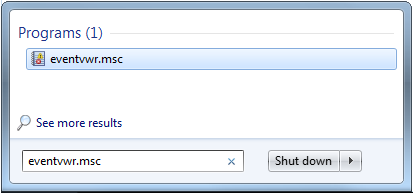
- Windows Vista/7/ Windows Server 2008/2008R2: Hit Start and type in eventvwr.msc:
- Windows 8/8.1, Windows Server 2012/2012R2:
– Press Windows key + W
– Type “ev”
– Select “View event logs”
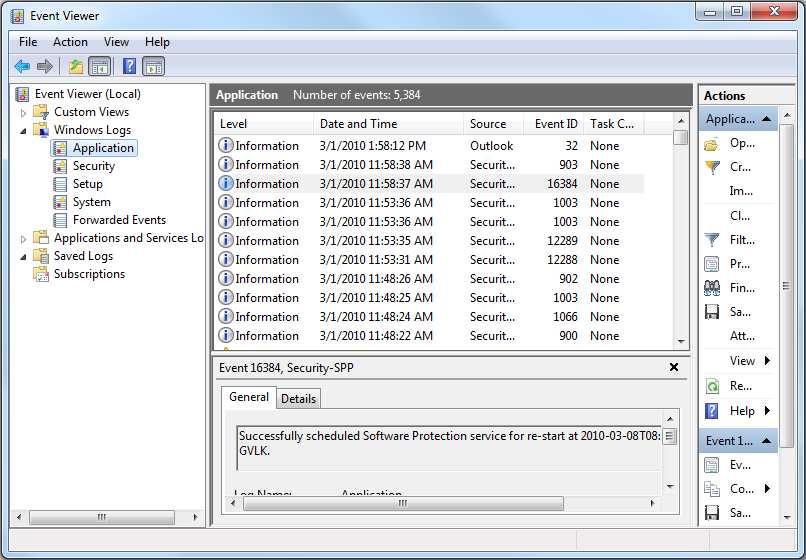
2. Select the type of logs you need to export:
- Windows 7/8/8.1/ Windows Server 2008/2008R2/2012/2012R2
- Windows XP / Windows Server 2003
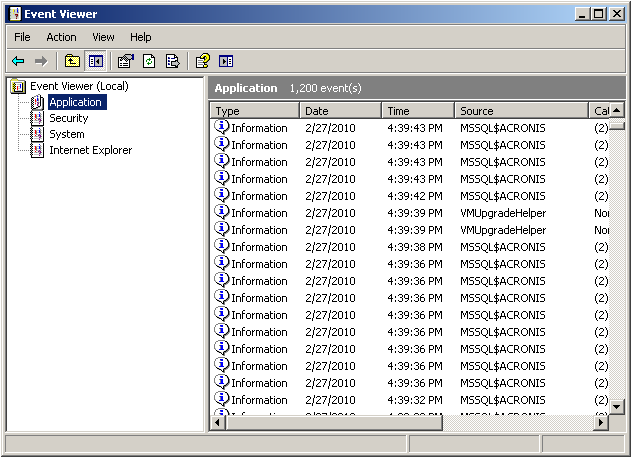
3. Save the Logs
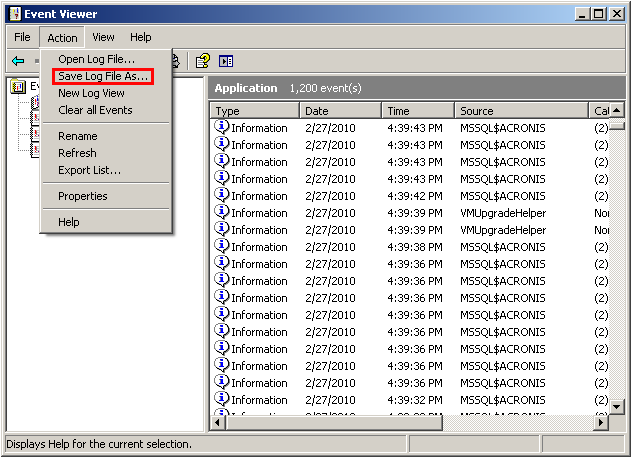
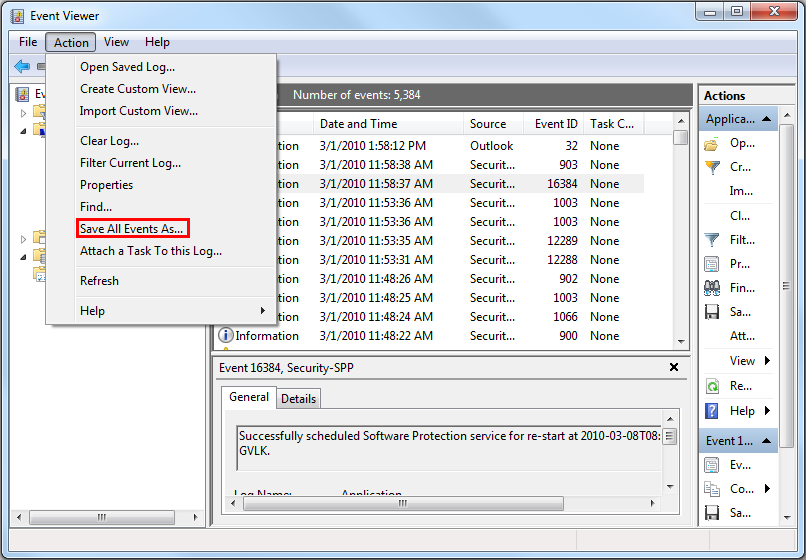
- Windows 7/8/8.1, Windows Vista, Windows Server 2008/2008R2/2012/2012R2: Action -> Save All Events As…
- Windows XP/Windows Server 2003: Action -> Save Log File As… It is recommended to save the System and the Application event logs, and name them accordingly