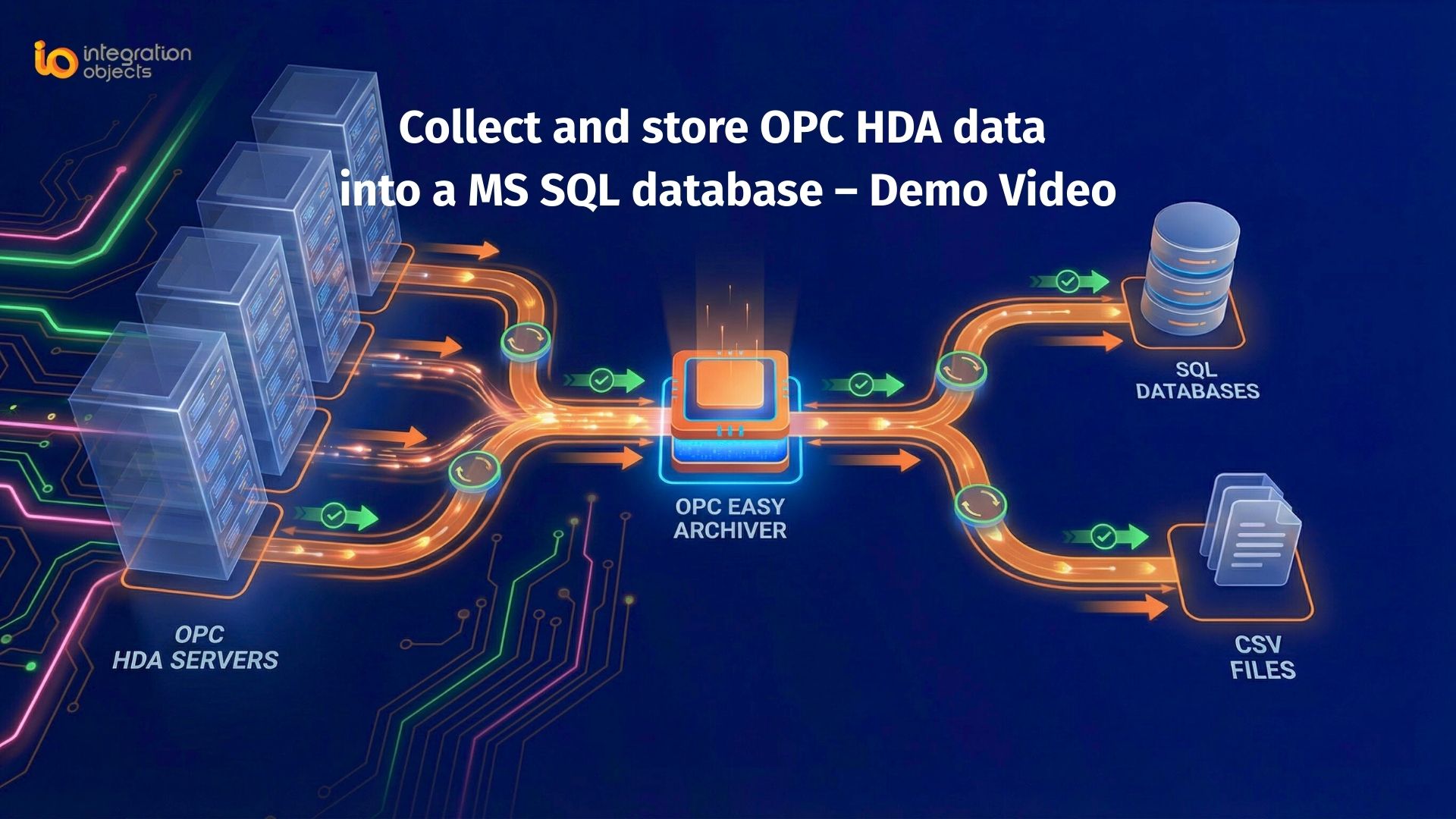
Collecting historical OPC HDA data and storing it in MS SQL Server is essential for industrial reporting, analytics, and compliance. Using OPC Easy Archiver, engineers can reliably log OPC HDA data, ensure data integrity during network disruptions, and integrate historical data with SQL-based analytics tools.
This step-by-step guide will show you how to configure OPC Easy Archiver to collect OPC HDA data and store it in MS SQL Server efficiently.
What is OPC HDA?
OPC HDA (Historical Data Access) is a standard that enables clients to retrieve historical process data from OPC servers. Unlike real-time OPC DA data, OPC HDA focuses on archived values, timestamps, and aggregated trend data, which is critical for:
-
Performance analysis
-
Compliance and audit reporting
-
Root cause investigation
-
Long-term process monitoring
This allows organizations to perform advanced analytics and reporting while maintaining a structured, centralized historical database.
Why Store OPC HDA Data in MS SQL?
Logging OPC HDA to MS SQL offers several advantages:
-
Centralized Storage: Consolidate historical data from multiple OPC HDA servers in a single database.
-
Advanced Analytics: Use SQL queries or BI tools to analyze historical trends.
-
Data Reliability: OPC Easy Archiver includes store-and-forward capabilities to prevent data loss.
-
Compliance & Traceability: Maintain structured historical records for audits and operational investigations.
-
Enterprise Integration: Easily connect historical data to dashboards, cloud systems, or analytics platforms.
Solution Overview: OPC Easy Archiver
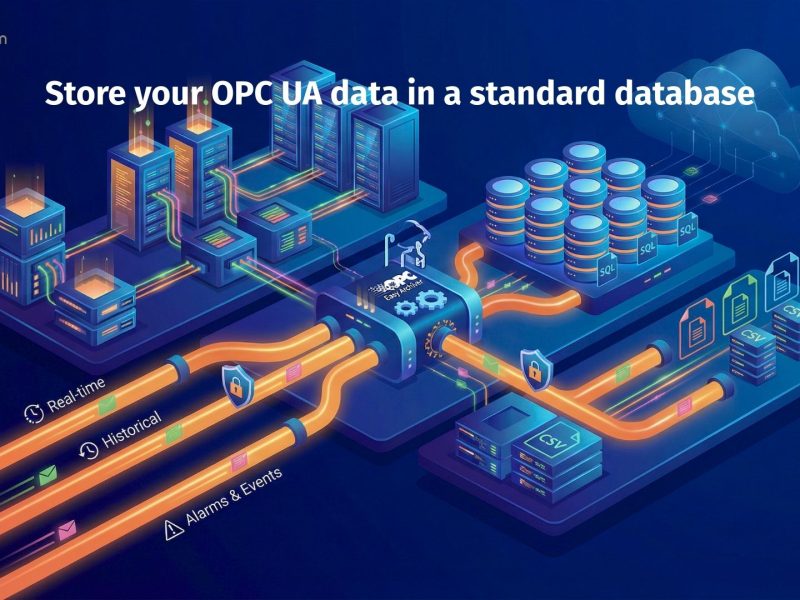
OPC Easy Archiver is a powerful data logging solution that enables you to:
- Collect OPC data (including OPC HDA)
- Store it in standard databases
- Export to CSV files
- Ensure reliable data delivery with store-and-forward capabilities
Benefits of OPC HDA to MS SQL Logging
Storing OPC HDA data in MS SQL Server ensures:
-
Advanced Reporting: Use SQL queries or BI tools for trend analysis.
-
Reliable Storage: Store-and-forward prevents data loss.
-
Improved Traceability: Structured historical logs support compliance and audits.
-
Enterprise Integration: Seamlessly connect historical data to analytics platforms, dashboards, or cloud systems.
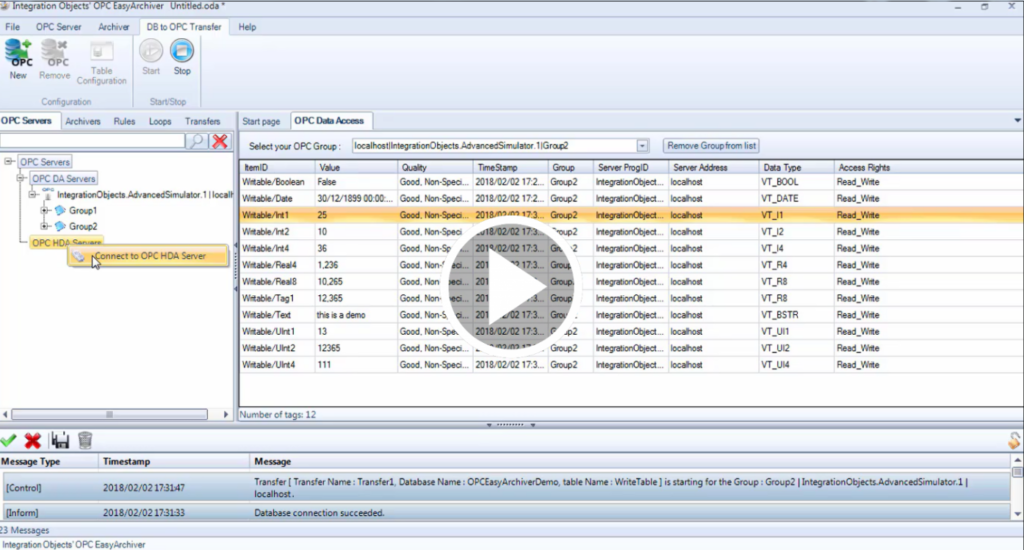
Video Tutorial
For a hands-on walkthrough, watch our video demonstrating how to connect to the server, configure the archiver, and store data in SQL Server.
Conclusion
Logging OPC HDA to MS SQL simplifies historical data management, improves compliance, and enables advanced analytics. By following this guide and using OPC Easy Archiver, industrial teams can centralize their historical data securely and efficiently.